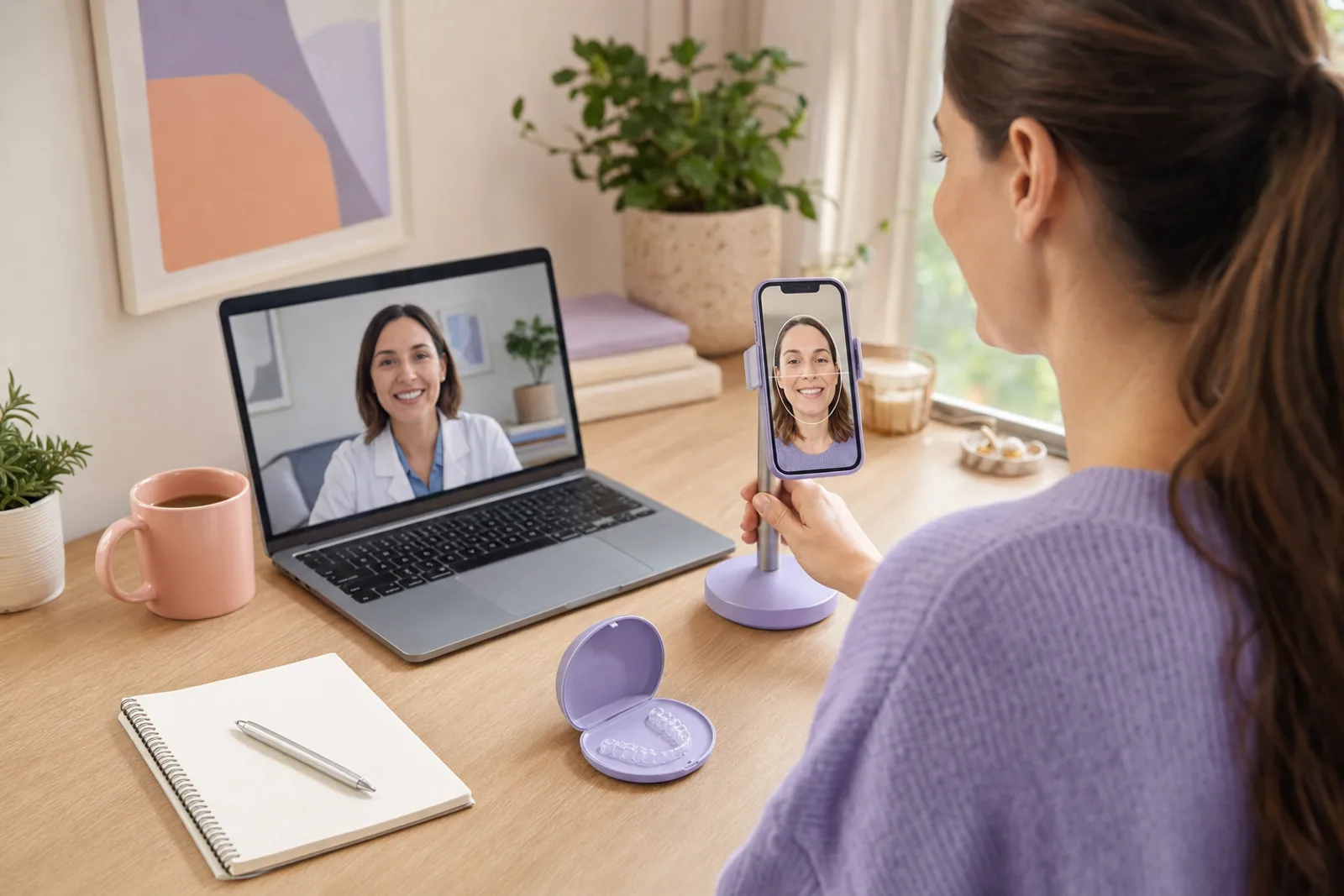
How remote monitoring works
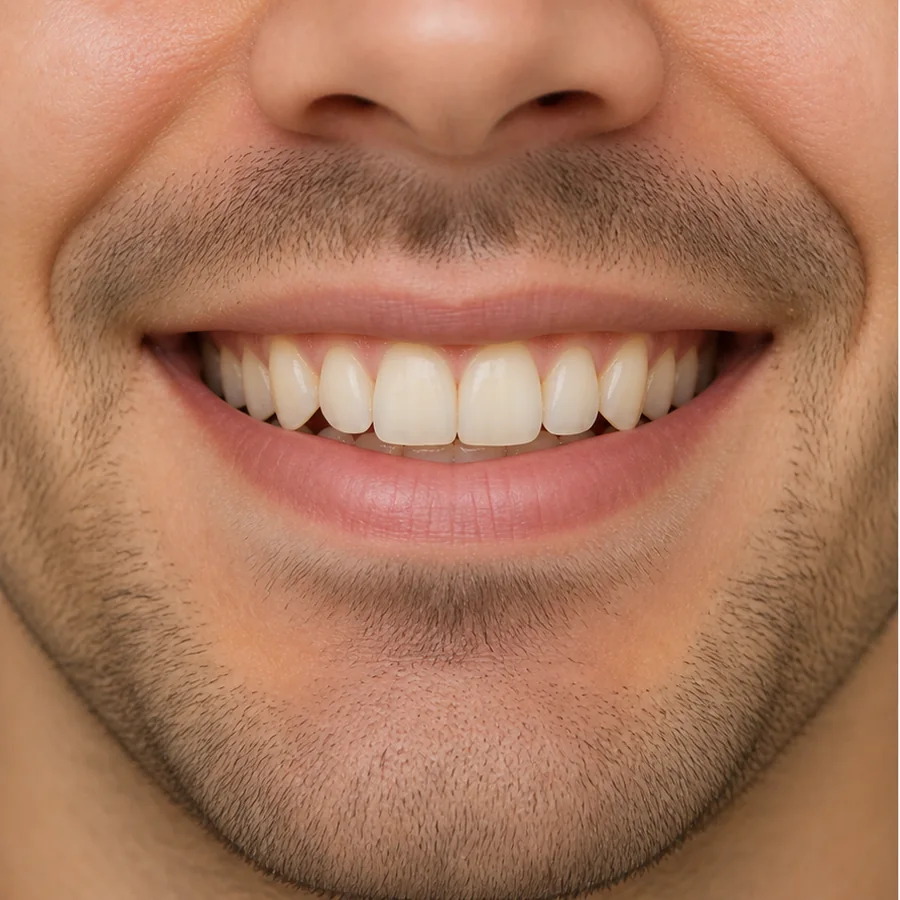
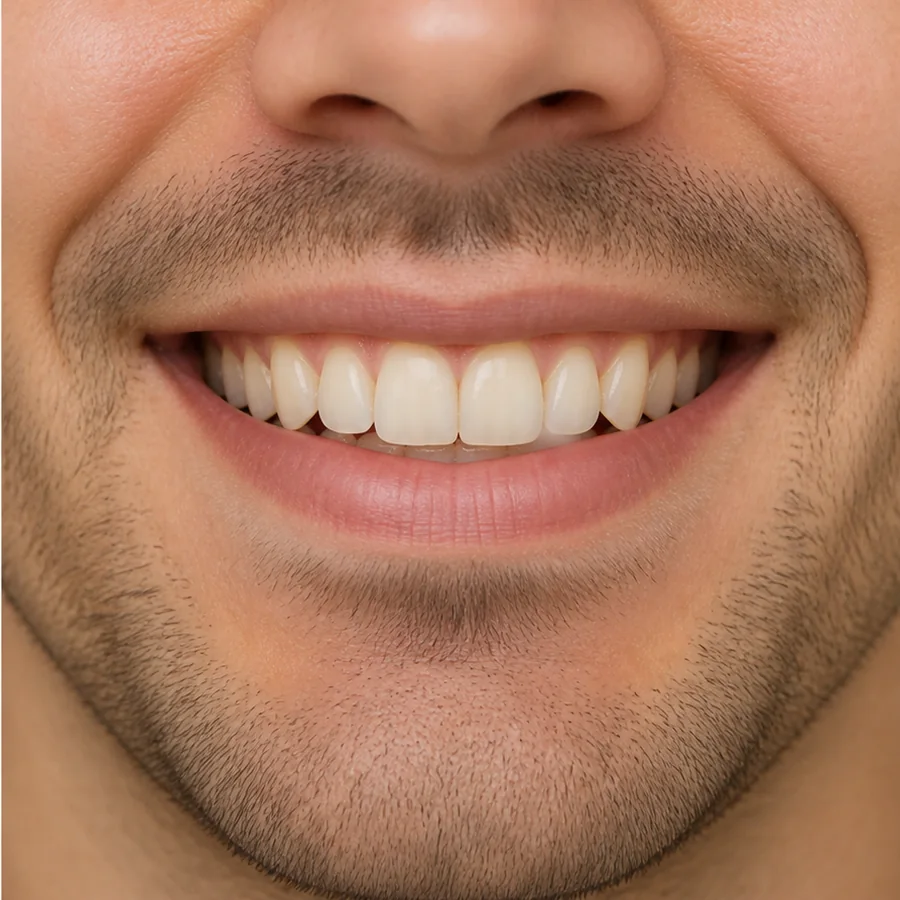
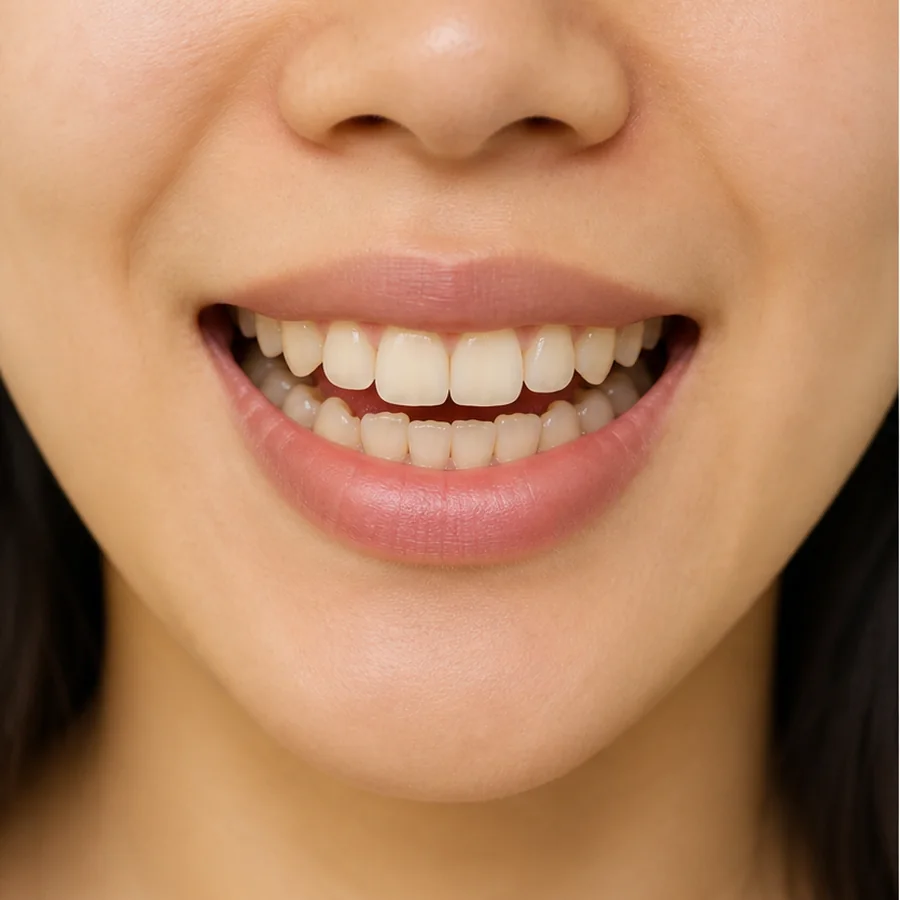
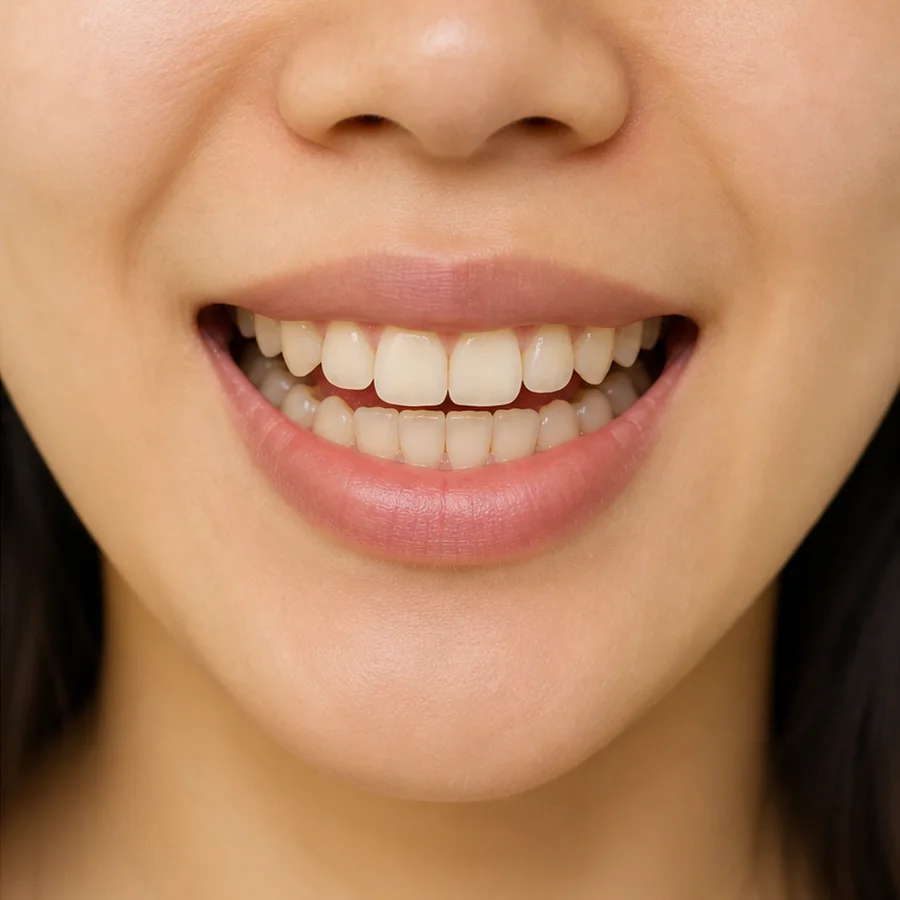
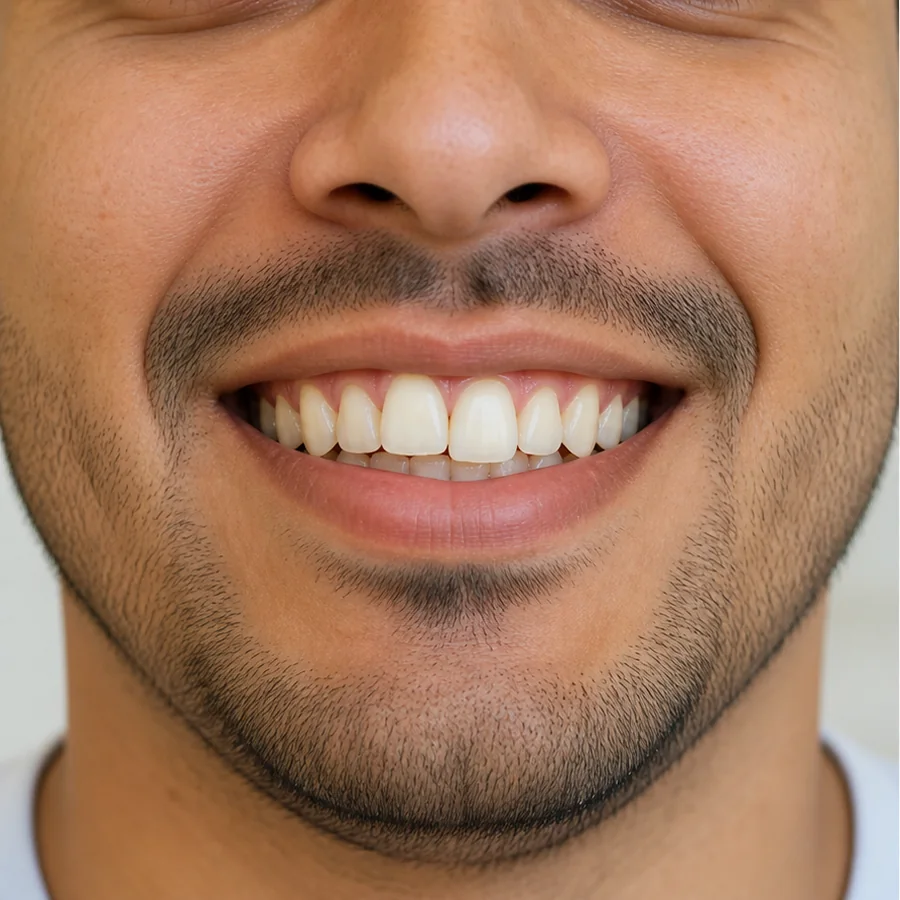
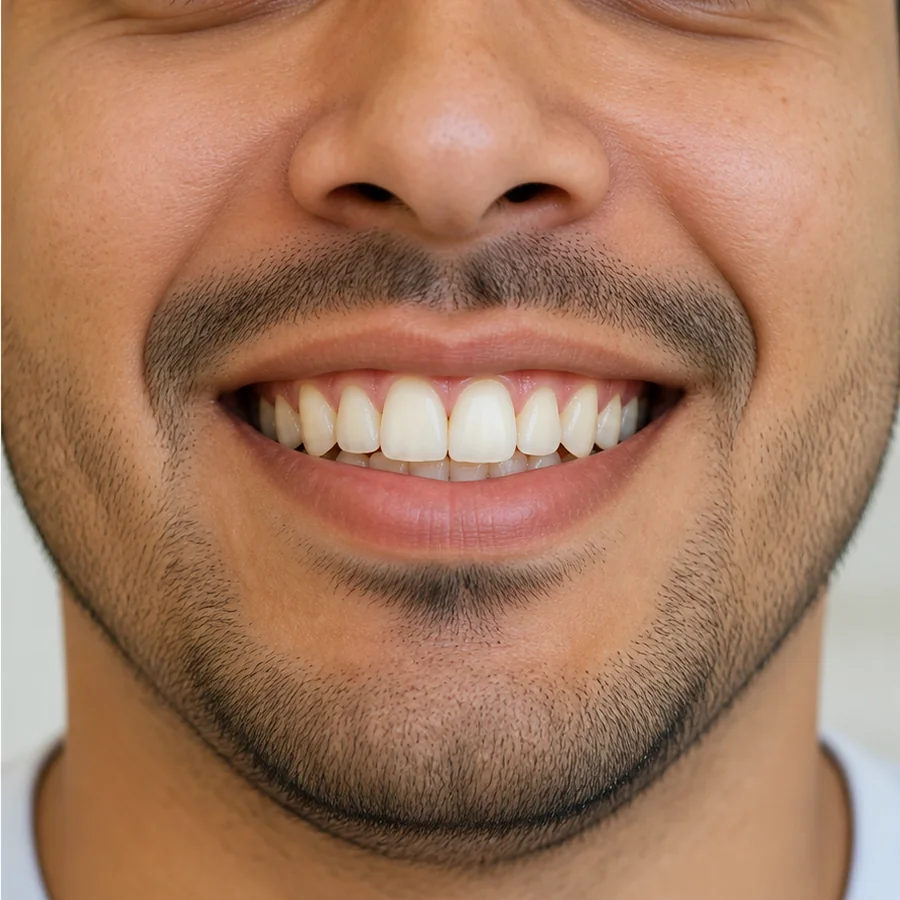
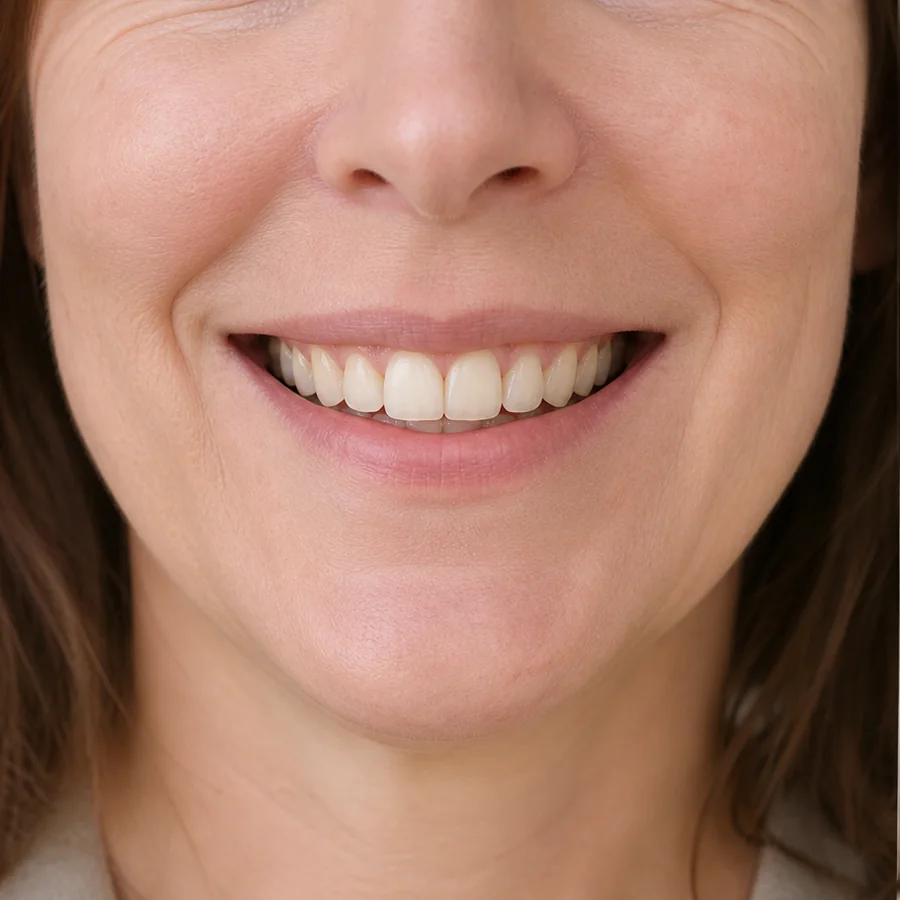
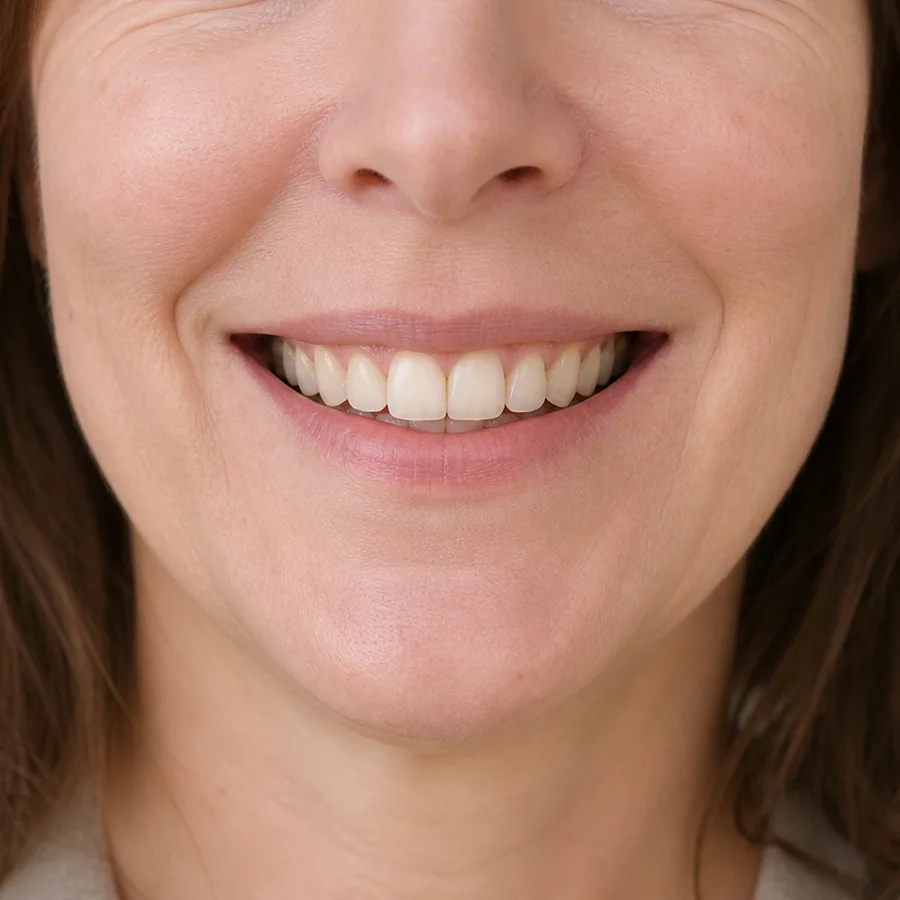
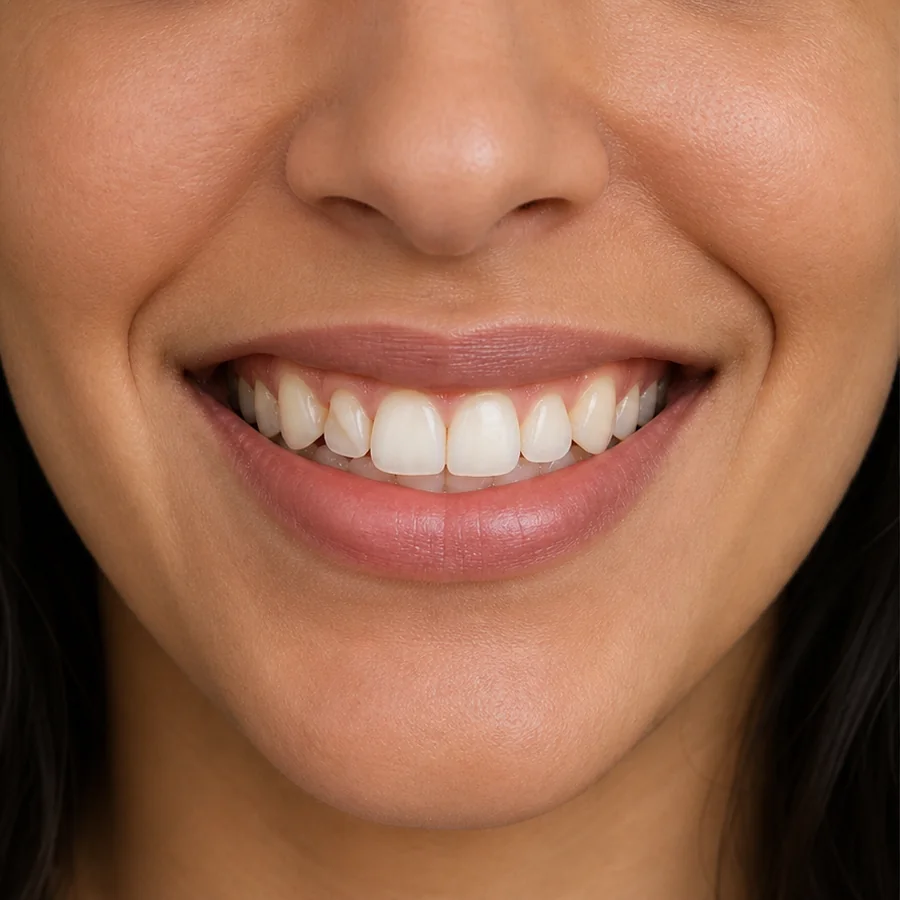
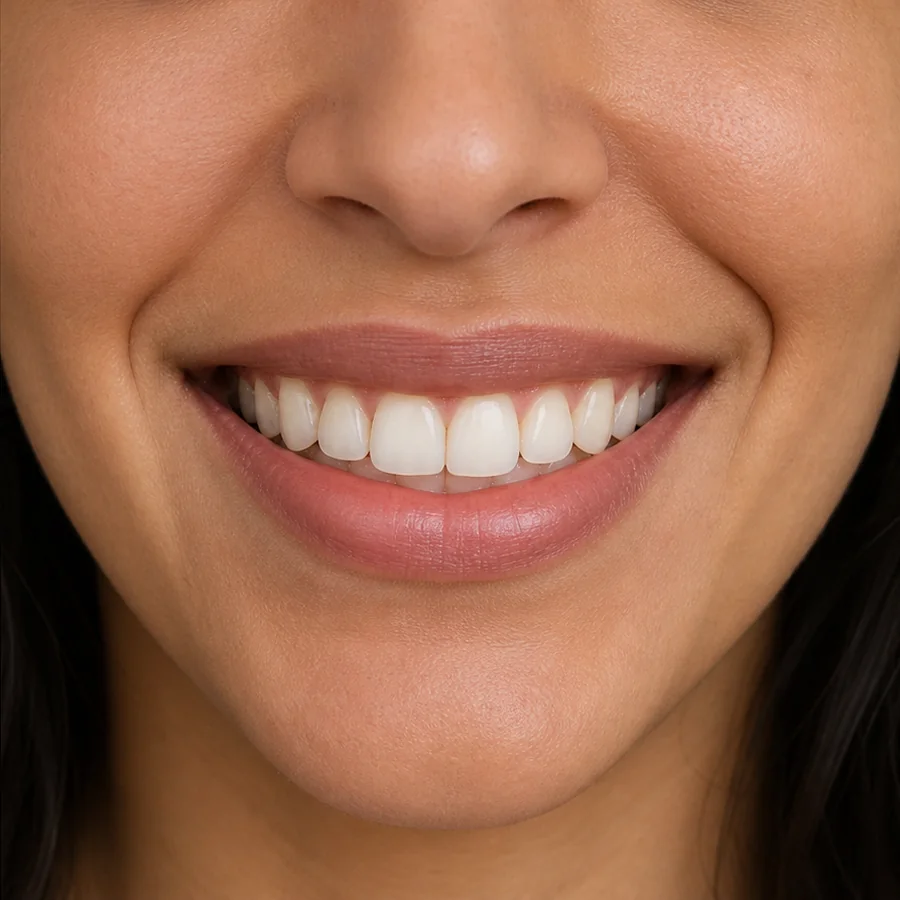
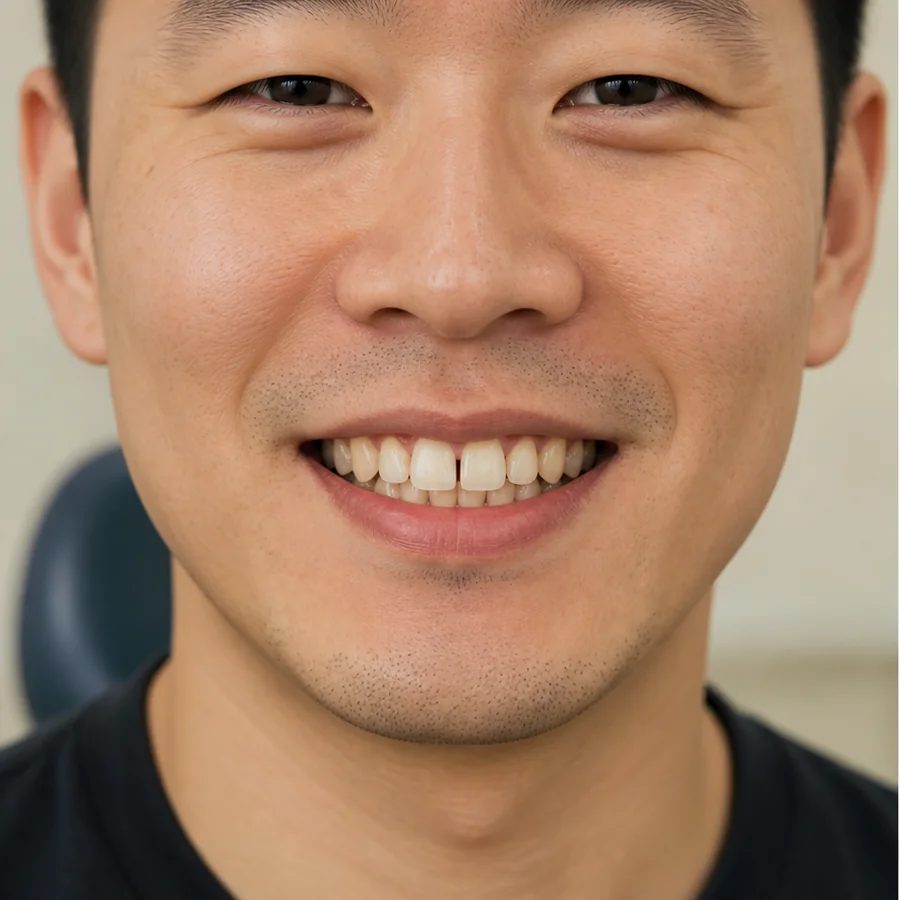
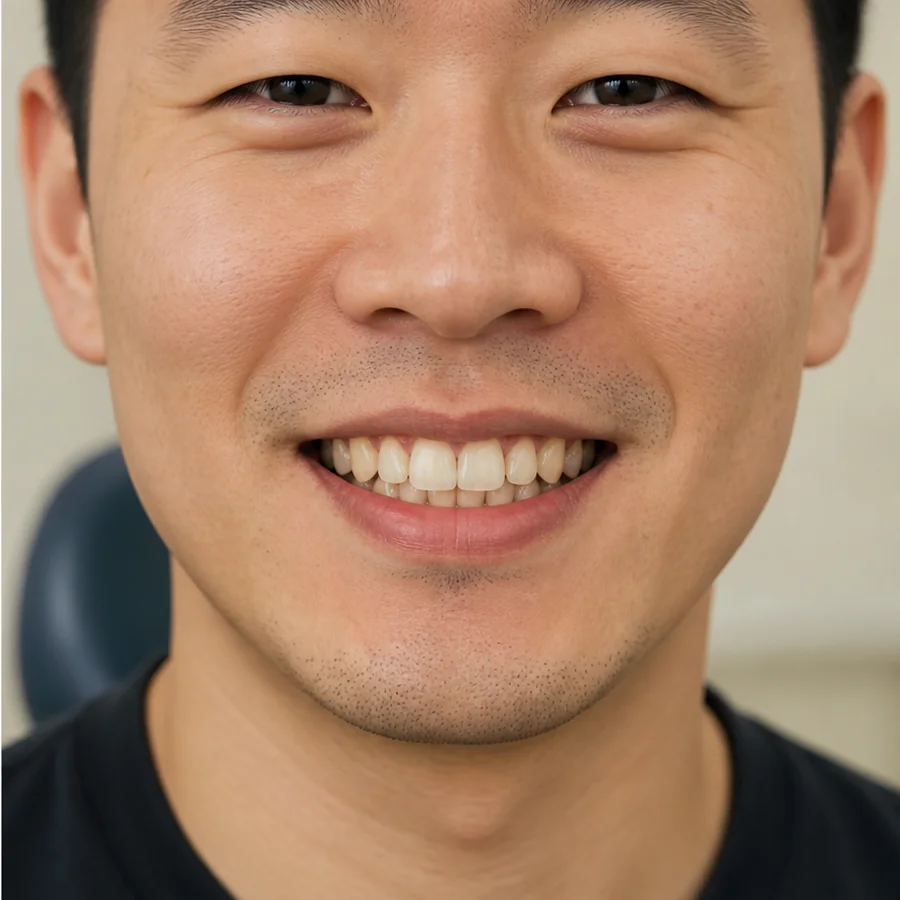
A practice may ask you to capture images with a phone, cheek retractor or scan accessory at set intervals. Software can organize images, compare visible tooth position with a plan, and flag areas for clinician review. The treating professional—not an automated message alone—remains responsible for clinical decisions.
Use the approved app and submission technique. Blurry images, poor lighting or incomplete views can hide a problem and may need to be repeated.
What it can assess well
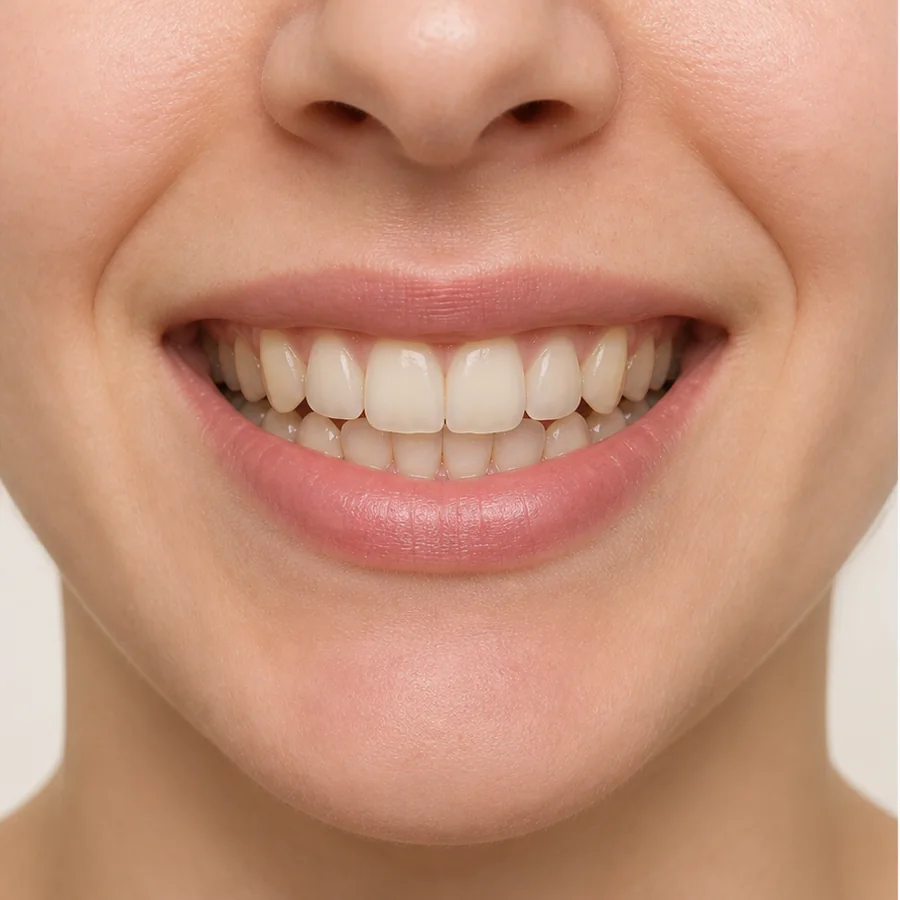
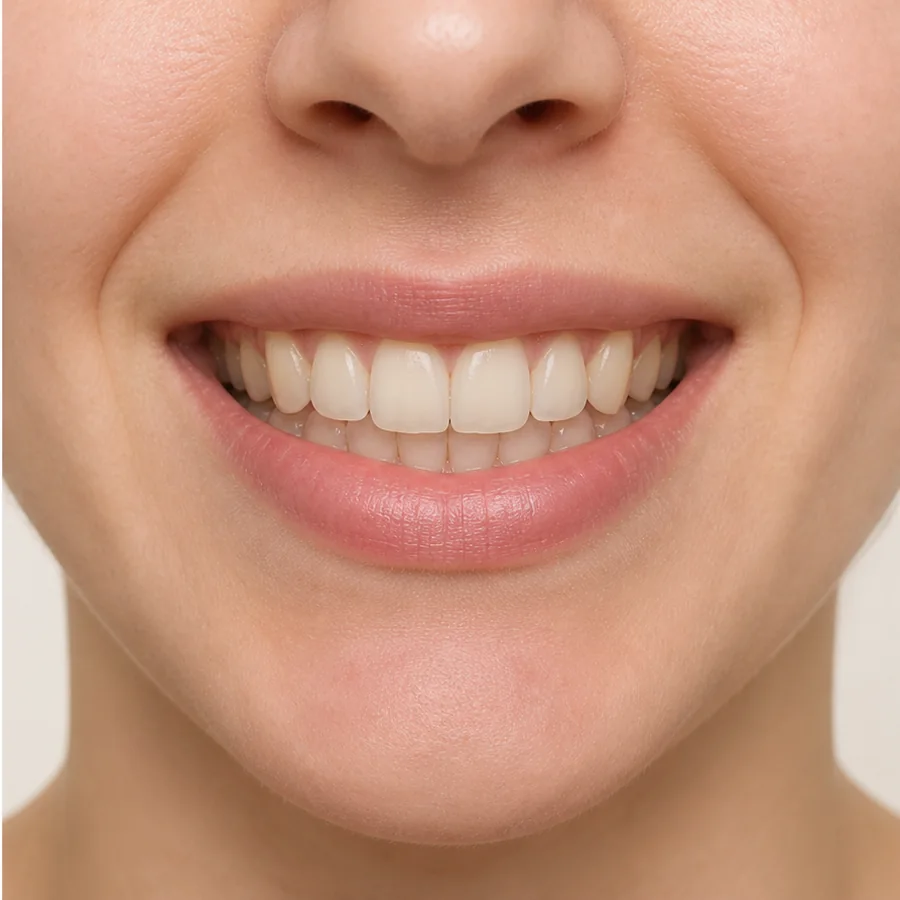
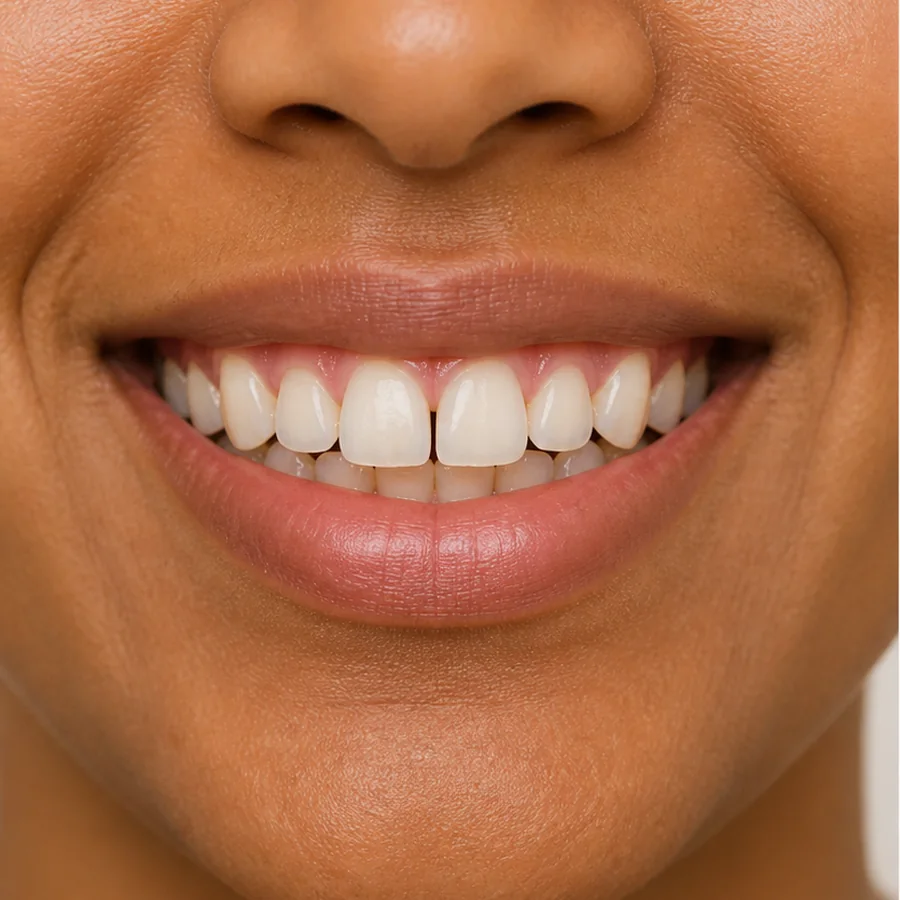
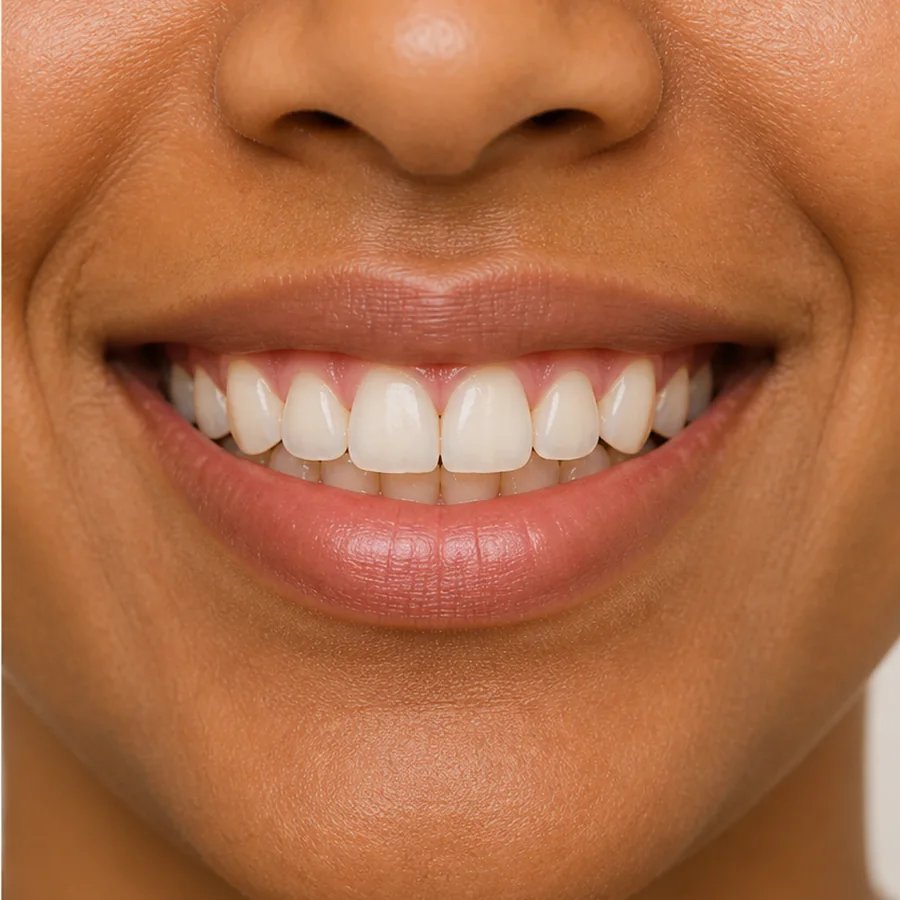
Clear views can show whether an aligner appears seated, whether an attachment is visibly missing, and whether there is obvious redness, swelling, plaque or tray damage. Regular submissions can also document changes between scheduled office visits.
These observations are useful for triage and adherence coaching, especially for patients who live far from the practice or have busy schedules.
What photos and scans can miss
A phone image cannot reliably evaluate root position, bone levels, cavities between teeth, some bite contacts, tooth vitality or every periodontal pocket. It also cannot palpate tissues or reproduce a full clinical examination.
Radiographs and in-person reviews remain necessary when indicated. A tray that looks aligned in a selfie may still have root, gum or bite issues requiring hands-on assessment.
Getting useful submissions
Follow the requested timing, clean the camera lens, use bright even light, retract cheeks fully and capture every specified angle with trays both in and out if instructed. Note pain, looseness, broken attachments, wear-time problems and recent dental work in the message.
Do not change trays merely because an app displays a generic reminder if your clinician has placed treatment on hold or given different instructions.
When not to wait for remote review
Contact the practice promptly for severe or increasing pain, facial swelling, fever, trauma, a loose adult tooth, a suspected allergic reaction, or a tray that will not fit despite correct use. Breathing or swallowing difficulty needs urgent emergency care.
Remote messaging is not an emergency service unless the practice explicitly says otherwise. Know its response times and after-hours route before treatment begins.
Questions to ask about a monitoring program
Ask who reviews submissions, how quickly they respond, how often in-person exams occur, what happens when tracking is poor, and how privacy is protected. Clarify whether monitoring fees, replacement trays and refinement scans are included.
The best model combines convenience with clear clinical accountability. Remote tools should extend supervised care, not remove access to the professional responsible for your diagnosis and outcome.
Practical planning checklist
Before enrolling, perform a test submission and confirm who receives it. Learn the normal response window, how urgent concerns are escalated and how the service works when traveling. Save an alternative phone number in case the app is unavailable.
Make images comparable by using the same location, lighting, angles and sequence. Remove lipstick or debris, clean the lens and include both tray-in and tray-out views when requested. Consistency makes subtle fit changes easier to interpret.
A useful review message includes more than images: tray number, change date, typical wear, pain, attachment loss, dental work and anything that feels different in the bite. An automated “on track” result should not override symptoms that the clinician has not assessed.
Ask for the schedule of in-person examinations and radiographs before paying. Remote monitoring is strongest when it reduces unnecessary travel while preserving access to full diagnostic care. If the program cannot explain how invisible disease and emergencies are handled, convenience has displaced clinical safety.
Test the safety net before relying on it
Send a non-urgent practice submission and confirm that a named clinical team—not only software—reviews it. Ask how holidays, time zones and weekends affect response times. Keep the physical clinic address, emergency instructions and an alternative phone number outside the app in case your account or device is unavailable.
At each remote approval, understand exactly what was assessed and what remains invisible. A visible fit check does not screen for cavities between teeth, root changes or every gum problem. Keep routine dental examinations and scheduled orthodontic records. If a service discourages all in-person care while teeth are actively moving, that is a limitation to evaluate before continuing.
Privacy deserves a practical discussion as well. Ask what images and health details are collected, where they are stored, who can access them and how long they are retained. Use a private connection and the official application rather than sending clinical photographs to an unverified personal account. If another person helps take images, protect the login and avoid including unrelated identifying material. Convenience should not require unclear handling of sensitive health information, and a reputable program should be able to explain its process in understandable terms.
Frequently asked questions
Can remote monitoring replace all office visits?
No. It can supplement follow-up, but some findings require in-person examination, radiographs or other records.
Does automated monitoring software decide when I change trays?
Software may flag images, but tray changes and clinical decisions should remain under the treating professional’s supervision.
What should I report with my scan?
Include pain, loose teeth, broken attachments, tray damage, wear-time problems and any recent dental treatment.
Is remote monitoring useful if treatment is going well?
It can document fit and adherence between visits and may surface visible problems sooner, depending on the program.
Sources and review notes
This article was prepared by the Hello My Teeth Editorial Team from authoritative dental guidance and peer-reviewed research. It provides general education, not an individualized diagnosis or treatment plan.
- American Dental Association: Direct-to-Consumer Dental Services
- American Association of Orthodontists: At-Home Orthodontics
- American Association of Orthodontists: Clear Aligners
Ready for a professionally reviewed plan?
Complete the candidacy check and provide the requested records so a licensed professional can determine whether a Hello My Teeth plan fits your case.